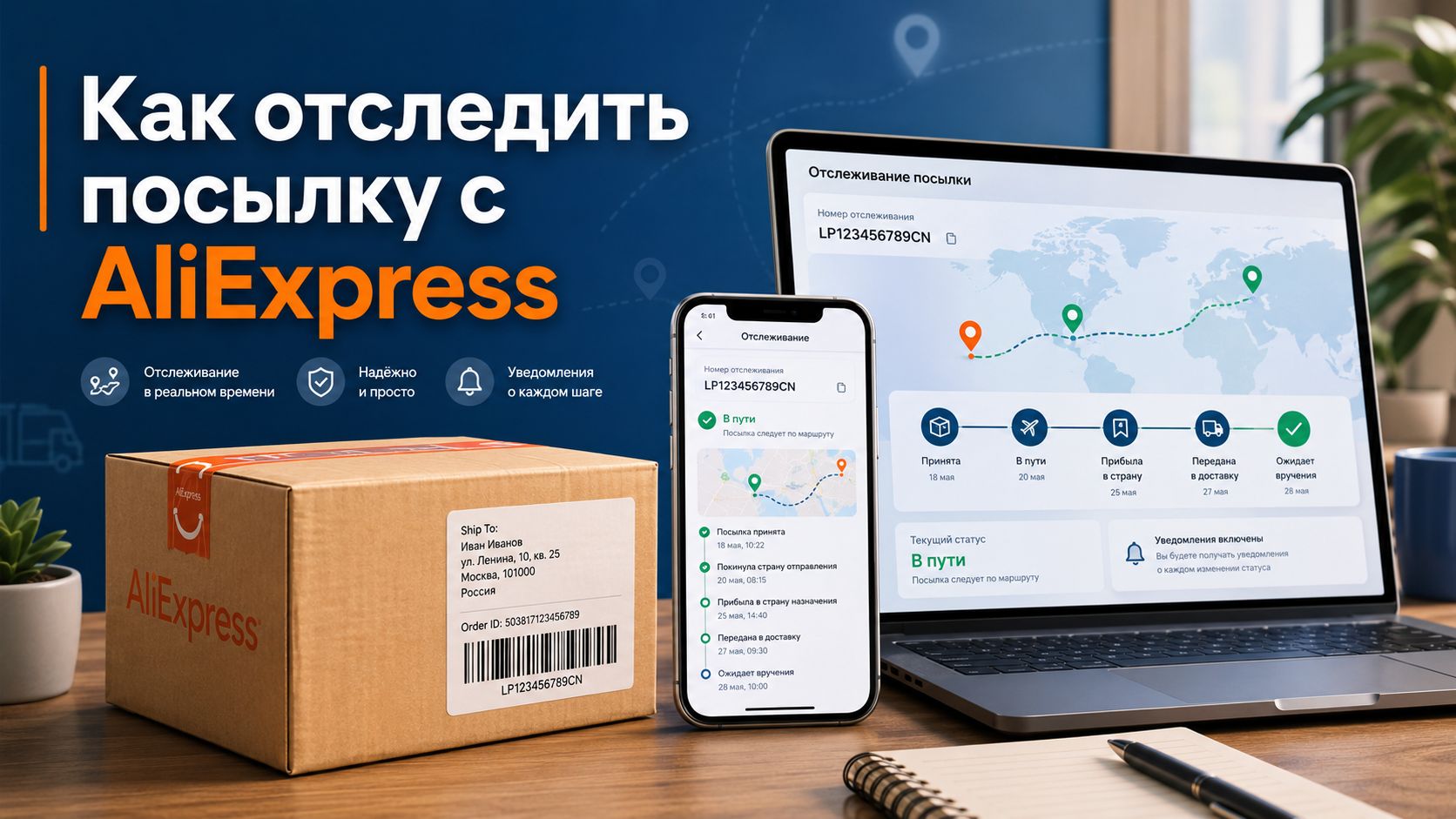
The order from AliExpress may go through several warehouses, countries, and carriers, so one tracking number sometimes looks confusing: the status may hang for a week, and then the package suddenly appears at the local post office. To avoid guessing where the product is and when to expect it, you need to read the tracking number correctly, check it in several services, and keep an eye on the buyer protection period. Below is a clear scheme on how to track an AliExpress package without panic, unnecessary messages to the seller, and premature disputes.
Where to find the order tracking number
The tracking number appears in the order card after the product is shipped. Open AliExpress, go to the orders section, select the desired purchase, and click the tracking button. There you will find the shipment number, the name of the delivery service, and a list of the latest statuses.
Sometimes the seller adds the number almost immediately after payment. This does not mean that the package is already on its way. Often, they are just creating a shipping label, printing a sticker, and preparing the product for transfer to the logistics provider. The first real scan appears later when the carrier picks up the package from the warehouse.
The format of the tracking number can vary. Some numbers consist only of digits, while others start and end with letters. For example, the code may contain CN, SG, LV, RU, LP. This is normal: the format depends on the logistics, warehouse, and route.
[Image: AliExpress order card with highlighted tracking number and tracking button]
Where is it better to check the package
The simplest way is to check the status directly in the AliExpress app. However, the app does not always update data quickly. Sometimes a third-party tracker already sees a new status, while the marketplace account still shows the old status.
You can use several sources for verification:
-
tracking section in AliExpress;
-
Cainiao service;
-
local post office website;
-
universal tracker;
-
courier service app.
If you need to track the AliExpress package more accurately, check the number in two or three services at once. Especially after the order has arrived in the recipient's country. At this stage, the local post or courier often shows more details than AliExpress.
| Where to check | When it's useful | What it shows |
|---|---|---|
| AliExpress | Immediately after shipping | General delivery stages |
| Cainiao | While the product is coming from China | Warehouse, sorting, export |
| Local post | After arrival in the country | Customs, post office, delivery |
| Universal tracker | With strange statuses | Data from different services |
What the main delivery statuses mean
Statuses often look awkward due to machine translation. There is nothing wrong with that. The main thing is to understand the meaning.
Order awaiting shipment
The seller has processed the shipment, but the package has not yet been handed over to the carrier. At this stage, the tracking may not match. Usually, the first status appears after a few days.
Package accepted by the carrier
The package has entered logistics. It has been accepted at the warehouse, scanned, and sent further along the route. This is the first normal sign of movement.
Left the country of origin
The order has gone for export. After this, there is often a pause. The package may be sitting in a bag, waiting for a flight, or undergoing transshipment. The tracking does not work like a beacon; it only shows checkpoint scans.
Arrived in the destination country
The product is already close. It will then be checked by customs, and the shipment will be handed over to the local post or courier. From this moment on, it is better to check the number on the operator's website in your country.
Arrived at the pickup point
You can pick it up. Bring a document, the code from the SMS, or a QR code if the delivery service sent it. Don't delay: packages are stored for a limited time, after which they are sent back.
Why data updates are delayed
Many think that tracking shows movement in real time. No. The system updates only after scanning at the warehouse, sorting, customs, or at the post office. Between these points, the package may travel for several days without new statuses.
A pause of 3–7 days is usually normal. After major sales, before holidays, and during logistics overload, the silence may last longer. Especially with cheap shipping. Small packages often take the economy route, where there are fewer scans.
If the status does not change for too long, do not rush to open a dispute. First, check the tracking in other services. Sometimes AliExpress is silent, while the post office website already shows arrival at the post office.
If the number does not appear in the systems at all, it is useful to figure out why the AliExpress tracking is not being tracked and what waiting times are considered normal.
When everything is going well
The package is likely moving without problems if the tracking has appeared in the system, statuses change at least once every 7–10 days, and the buyer protection period has not yet expired.
With budget shipping, there may be few statuses. For example: accepted by the carrier, shipped from the country, delivered. This is not an error, but a feature of the rate. For detailed tracking, carriers charge more money, so cheap small items often go almost "blind."
Check not only the tracking itself but also the delivery time in the order. If buyer protection is about to expire, you need to write to the seller in advance. It's better to do this 3–5 days before the end, rather than on the last evening.
[Image: smartphone with the AliExpress app and an open screen showing the package movement]
When to write to the seller
You should write to the seller if the tracking has not moved for more than two weeks, the number is not recognized in any service, the package is stuck after export, or the status shows delivery to another city.
The message should be short. Without shouting or threats. The seller is more likely to respond to a specific request than to a long complaint.
Example:
"Hello. The tracking number has not been updated for 14 days. Please check where the package is and extend the order protection period."
If the number is not tracked at all:
"Hello. The tracking is not recognized in tracking services. Please send the current shipment number."
This text is understandable even through an auto-translator.
When to open a dispute
A dispute is opened if the product has not arrived, buyer protection is ending, the seller is not helping, or the tracking shows delivery not to you. Before opening a dispute, save screenshots: the order page, tracker statuses, correspondence with the seller, the note about delivery to another city, if there is one.
In the dispute, write based on facts. No need for extra emotions. Indicate that the product has not been received, the delivery period has expired, and the tracking does not confirm delivery to you. The clearer the evidence, the higher the chance of getting your money back.
Do not close the dispute just because the seller promises to "resolve the issue later." If the dispute is closed, it is harder to regain leverage. It is better to conduct all agreements within AliExpress.
Practical tips before ordering
For expensive items, choose shipping with full tracking. Saving on logistics sometimes turns into nerves. Check the seller's rating, reviews on delivery, shipping times, and the presence of real photos from buyers.
Before payment, carefully check the address, zip code, and phone number. An error in the zip code can send the package to another sorting hub. This is a small detail, but it is precisely such details that most often break the delivery.
Save the tracking number immediately after shipping. Add it to the tracker and enable notifications. Then you won't have to open the order manually every day and wonder where your package is.