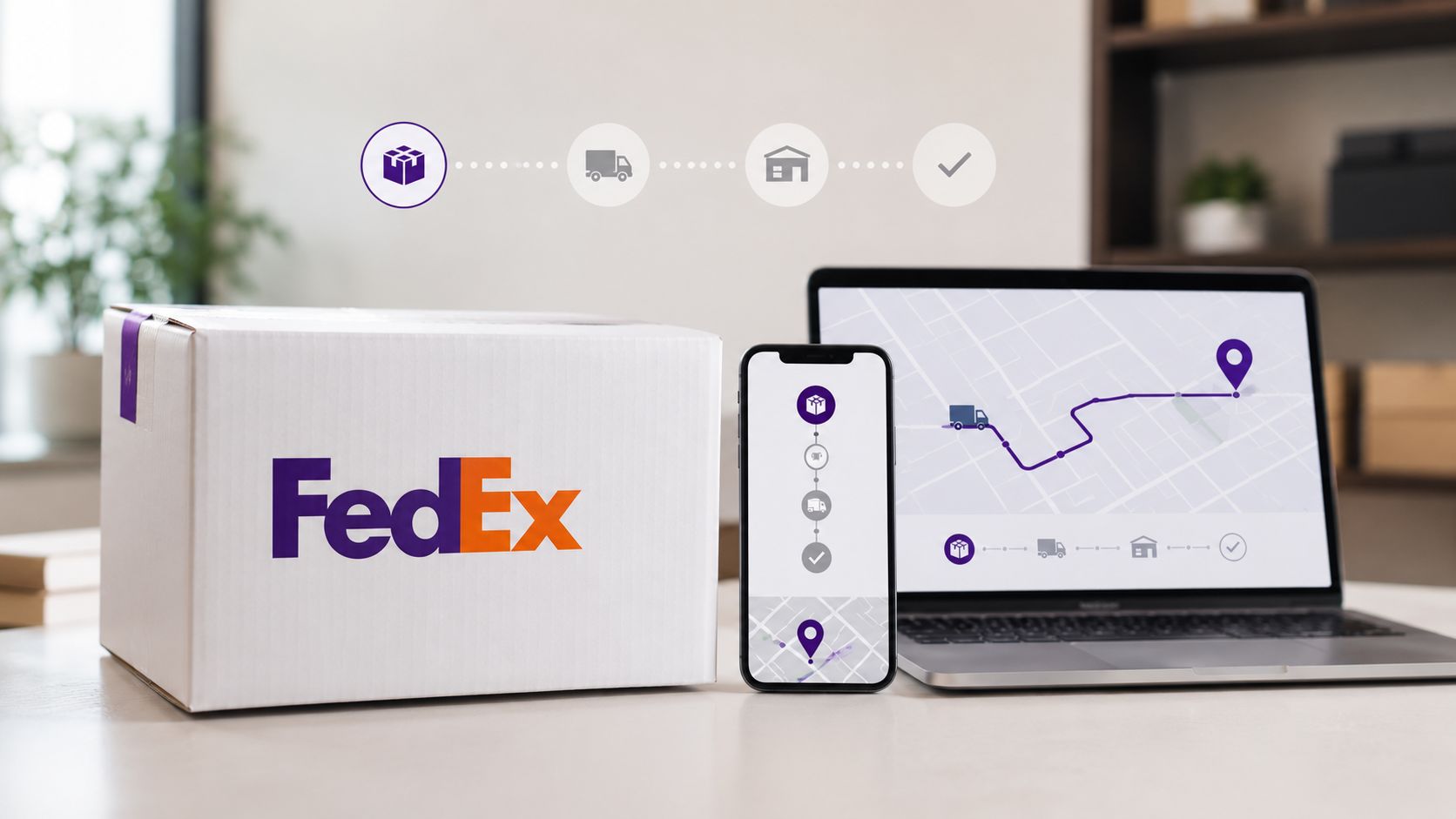
The FedEx package is usually tracked without any hassle: you only need the tracking number and a couple of minutes. But in practice, things are not always so smooth. The store may send the order number instead of the tracking number, the status may hang for several days, and an international shipment may suddenly go into customs inspection. You can quickly figure it out if you understand where to look for the data and what the tracking marks mean.
In this guide, we will discuss how to track a FedEx package by number, what to do without a tracking number, why delivery is not updating, and when it's time to write to the seller or support. Without complicated terms — just what really helps to find the box and not waste time.
Where to get the tracking number for FedEx
To track FedEx, you need a tracking number. Usually, it comes in an email from the store, marketplace, or sender after the delivery is arranged. It is also printed on the shipping label — the transport label that is affixed to the box. For the sender, this number often goes as tracking number, AWB, or waybill number.
The format may vary. A long numerical combination is more common, but for international shipments, there may be additional codes in the documents: reference number, order number, purchase order number. Don't be alarmed. For the recipient, the main reference point is the track.
If the purchase was made from a foreign store, check:
-
the email confirmation of shipment;
-
the personal account of the store;
-
the order page;
-
SMS or push notification from FedEx;
-
PDF invoice or shipping confirmation;
-
a message from the seller if the order was made through a platform.
Sometimes the store issues an internal order number instead of the FedEx track. It may not be traceable in tracking. In this case, ask the seller for the FedEx tracking number or the air waybill number.
How to check a package on the FedEx website
The most reliable way is the official FedEx tracking. It works without registration: you enter the number, click Track, and view the shipment card. If there are multiple tracks, they can be checked in bulk. This is convenient for buyers, intermediaries, and those who manage many orders at once.
The process is simple:
-
Open the Tracking section on the FedEx website.
-
Paste the tracking number into the search field.
-
Click Track.
-
Check the current status, delivery date, and scan history.
-
If the proof of delivery button is available, download the delivery confirmation.
FedEx tracking shows not only the city where the scan took place. The card displays the stages of the route: acceptance of the shipment, sorting, export, import, customs, transfer to the courier, delivery attempt. This is especially useful for international shipments: it is immediately clear whether the package is still flying, lying in a warehouse, or already with the local courier.
What to do if there is no tracking number
There are options without a number as well. FedEx allows searching for a shipment by reference number if the sender specified it when creating the shipment. This could be an order number, invoice number, purchase order, or another code that the seller linked to the shipment.
To search by reference number, additional data is usually needed:
| What may be needed | Why it is needed |
|---|---|
| Reference number | Main code for searching without a track |
| Destination country | Helps filter out foreign shipments |
| Postal code | Confirms the delivery address |
| Shipping date | Narrows down the search in the system |
| Sender's name | Useful in disputed orders |
If nothing is found, write to the sender. They created the shipment and see the complete data in their account. FedEx support may not always be able to help the recipient if there is no match in the system for the address, name, or order number.
What FedEx statuses are most common
Statuses in FedEx sometimes sound dry, but they can help understand what is happening with the box. The main thing is to look not only at the last line but at the entire chain of scans.
| Status | What it means in simple terms |
|---|---|
| Shipment information sent to FedEx | The sender created the waybill, but the box may not have been handed over to FedEx yet |
| Picked up | The courier picked up the package or it was accepted at the point |
| In transit | The cargo is traveling, flying, or undergoing sorting |
| At local FedEx facility | The package is at the local warehouse or sorting facility |
| International shipment release | The customs stage has been passed |
| Clearance delay | There is a delay at customs or documents are needed |
| On FedEx vehicle for delivery | The package has been loaded onto the courier's vehicle for delivery |
| Delivery exception | Something went wrong: address, access, documents, weather |
| Delivered | The shipment has been delivered |
The status In transit does not always mean that the box is currently moving. Often, this is a general mode between scans. The package may be lying in a hub, waiting for a flight, or being processed. For FedEx, this is normal logistics: a scan appears not at every meter of the route, but at key points.
Why the FedEx track is not updating
A pause of 1–3 days does not always indicate a problem. Especially on international routes. The cargo could have been placed in overnight sorting, waiting for departure, standing in line at customs, or traveling between hubs without intermediate scans. For logistics, this is a common "silence on the track".
Most often, there are no updates for the following reasons:
-
the sender created the label but has not yet handed over the box;
-
the package is traveling between sorting centers;
-
the shipment is undergoing export or import control;
-
the track is updating with a delay;
-
the cargo got caught up on the weekend or holiday;
-
the courier was unable to complete the delivery and the scan will appear later;
-
the local partner has not yet uploaded the data into the system.
If the status Shipment information sent to FedEx hangs for several days, the question is almost always to the seller. FedEx already knows about the upcoming shipment, but physically the box may still be with the sender.
Customs, documents, and delays
For international delivery, documents are critical for FedEx. Invoice, product description, value, product code, recipient data — all of this affects clearance. If the inspector lacks information, a delay occurs. In tracking, it often appears as Clearance delay or Delivery exception.
What the recipient should do:
-
Check your email and SMS — FedEx may have requested passport details, TIN, invoice, or payment confirmation.
-
Contact the sender if there is an error in the product description.
-
Do not send documents through random links. It is better to go through the official website or reply to a verified email.
-
Keep receipts and order screenshots until you receive the package.
If the cargo is commercial, the brokerage part comes into play: duties, taxes, HS codes, powers of attorney. It is better not to delay here. The faster the paperwork is closed, the less chance there is that the shipment will get stuck in the warehouse.
How to understand when the package will arrive
The FedEx card may display a scheduled delivery date. For some shipments, the system shows an approximate time window. But this is not a strict slot like with local couriers. The flight was delayed, customs took the cargo for inspection, the courier did not make it to the route — the date may shift.
The strongest signal is the status On FedEx vehicle for delivery. It means that the box has been loaded into the courier's vehicle. On that day, it is better to be in touch, check the intercom, address, postal code, and phone number. If the office, warehouse, or residential complex requires a pass, give instructions in advance.
You can use FedEx Delivery Manager if the service is available for your country and type of delivery. Through it, it is usually more convenient to change delivery parameters: address, instructions for the courier, storage at the point, or another date. For private recipients, this often saves the day when no one is home.
If FedEx says Delivered, but the package is missing
This happens. It is not always theft or loss. The courier may have left the box at the door, at the reception, with the concierge, in the mail area, with security, with neighbors, or at the pickup point. First, check all the places where the courier could have left the shipment.
Then act quickly:
-
check the proof of delivery if it is available;
-
verify the recipient's name and address in the confirmation;
-
ask the reception, security, neighbors;
-
write to the seller if the order is from a store;
-
contact FedEx with the tracking number and address details;
-
save screenshots of the tracking.
If the shipment was insured, the claim is usually filed by the sender. They entered into a transportation contract and paid for the shipment. The recipient can provide an invoice: what was ordered, when it was expected, where it was checked, what responses were received from the courier.
Common mistakes when tracking
Many problems start with small things. One extra space, a mixed-up digit, an old order number instead of a track — and the system says nothing was found. Before panicking, check the database.
Here is a working checklist:
-
Copy the number without spaces at the beginning and end.
-
Do not confuse the store's order number and the FedEx tracking number.
-
Check if the package was handed over to another service after import.
-
Look at the date of the last scan, not just the overall status.
-
Give the system a few hours after receiving the shipping email.
-
If there is an address error, write to the sender and support immediately.
For foreign orders, it is useful to check the track not only on FedEx but also in the store's account. Sometimes the seller adds comments that are not in the public tracking: delay in completion, partial shipment, warehouse change, rescheduling of pickup date.
Quick scheme for the recipient
If you need to quickly track a FedEx package, follow the short route. First, find the tracking number. Then check it on the FedEx website. If the track is silent, see if there was a real handover of the box to the carrier. If the track has reached customs — check your email and documents. If the package is already with the courier — keep your phone on.
Good tracking is not just a line "where is my box". It is a way to catch a failure in time: wrong address, request for documents, unsuccessful delivery attempt, or a stuck label. The sooner you see the problem, the easier it is to resolve it without nerves and long correspondence.