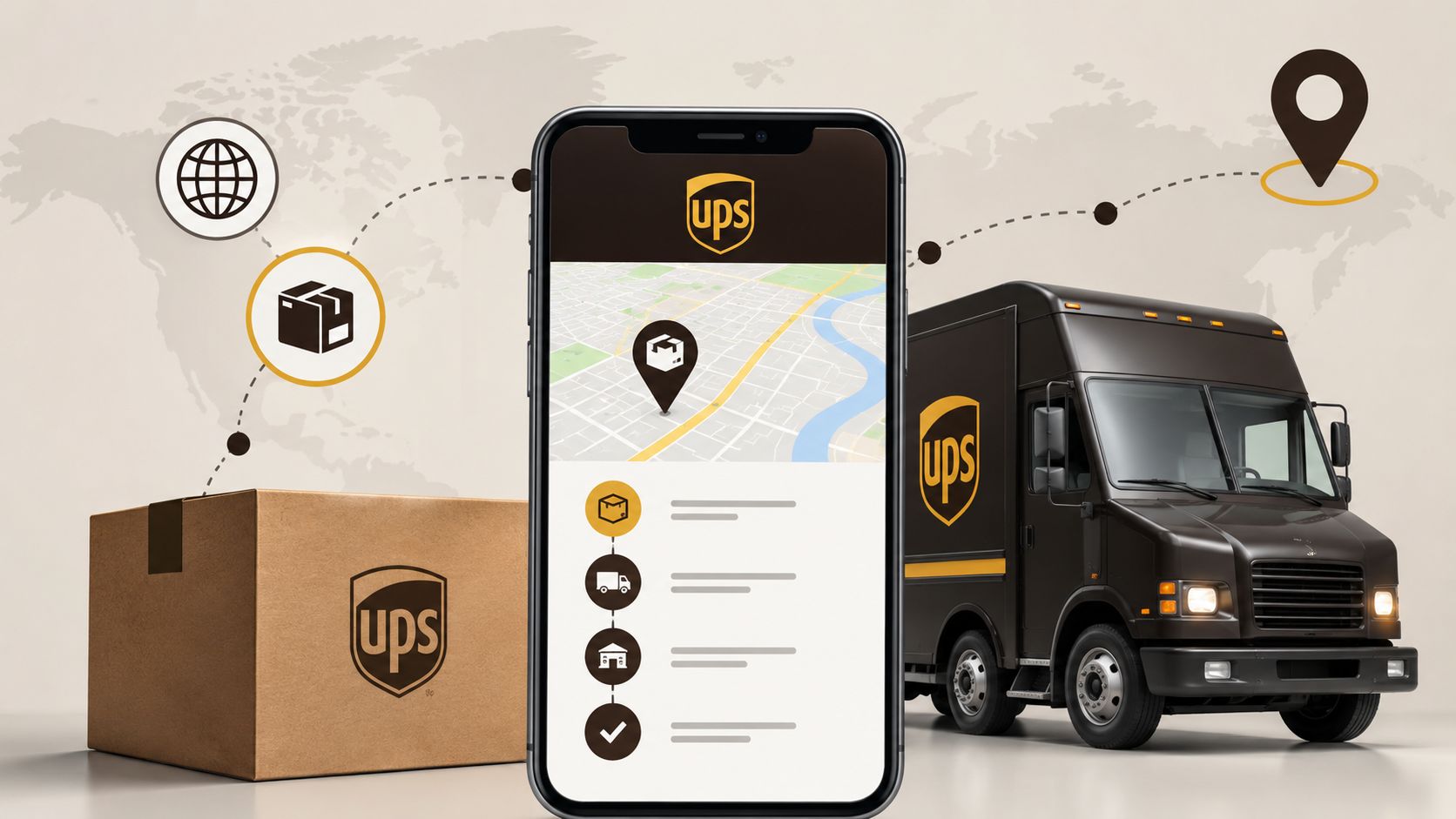
To track UPS, you first need the tracking number. The seller usually sends it after shipment, adds it to the store's personal account, or shows it in the marketplace app. The code is also printed on the receipt and the shipping invoice.
The most recognizable format starts with 1Z and contains 18 characters. There are also numeric numbers of different lengths. Copy the code in full, without spaces at the beginning and end.
Do not confuse the tracking number with the order number. The order is needed by the store, while UPS Tracking works with the carrier's identifier. If the UPS delivery site does not find the shipment, check the code in the shipping email, not in the purchase confirmation.
How to check a package on the UPS website
The steps are simple:
-
Open the official UPS tracking section.
-
Paste the tracking number into the search field.
-
Start the check.
-
View the status, scan history, and estimated delivery date.
-
If necessary, enable notifications or log into UPS My Choice.
It is better to paste the number via clipboard. When typing manually, it is easy to confuse zero with the letter O, one with I, or miss a character. If the code is correct, the service will show the route, the last registered scan, and available actions.
There can be a pause between two scans. On a long leg, a new update often appears at the next hub.
What UPS Tracking statuses mean
The names may be displayed in English, but their meanings are clear.
| Status | What is happening | What to do |
|---|---|---|
| Label Created | The seller has created the invoice, but the cargo may not have reached UPS yet | Wait for the first physical scan |
| Shipped / On the Way | The package has been accepted and is on its way | Monitor the estimated date |
| Out for Delivery | The shipment has been handed over to the local courier | Stay in touch |
| Delivered | Delivery has been marked as completed | Check the delivery location and with neighbors |
| UPS Access Point | The box has arrived at the pickup point | Confirm the address and collect the documents |
| Exception | A problem has occurred that may delay the timeline | Open the status details |
Label Created only indicates the registration of data. As long as the sender has not handed over the box to the carrier, there will be no movement in the feed. If the status hangs for several business days, you should first write to the seller.
Exception is marked when there is a problem with the address, customs check, weather delay, damaged label, or a failure on the route. Look for the reason in the shipment history. That’s where the details often lie.
Why the tracking is not found or is not updating for a long time
Most often, the reason is one of the following:
-
the seller has just created the label;
-
the number was copied with an extra character;
-
the store sent an internal order code;
-
the database has not yet accepted the first scan;
-
the package is in transit between sorting centers;
-
the last mile is serviced by a partner.
There is no point in immediately contacting support. Double-check the characters and repeat the search after a few hours. If the seller assures that the cargo has been handed over, but there have been no scans for several business days, request confirmation of receipt from the carrier.
For international shipments, check your email: customs may request documents, product descriptions, or payment of fees.
What to do if it says Delivered, but the box is missing
Go through a short checklist:
-
Verify the address and delivery time.
-
Check the entrance, porch, garage, reception, and other safe places.
-
Ask family members, neighbors, security, or the concierge.
-
Check notifications and delivery location photos, if available.
-
Contact the seller and UPS if the shipment cannot be found.
If the search yields nothing, save a screenshot of the status and prepare the tracking number — this will speed up the case resolution.
The courier did not find the recipient
After an unsuccessful attempt, the driver may leave a UPS InfoNotice. You can also check the shipment by the notice number and see the next steps. Depending on the country and the sender's conditions, the system will offer a re-delivery, pickup at a UPS Access Point, or a change of delivery.
For pickup at the point, they may ask for identification and the tracking number. Don’t delay: the storage period is limited, after which the cargo may be returned to the sender.
Through UPS My Choice in available regions, you can receive notifications, see the arrival window, reschedule the date, or change the pickup point. Some options are blocked by the sender, for example, when a signature is required.
How to recognize fake tracking
Fraudsters send messages about unpaid fees or address errors. The link leads to a copy of the UPS page, where they try to extract card details. Open tracking through the official website, not from SMS.
Warning signs:
-
strange page address;
-
urgent request to pay a small amount;
-
request for a full set of banking details;
-
errors in the company name;
-
offer to install an app from a file.
When to seek help
Write to the seller or carrier when the deadline has passed, the Exception status does not change, the address is incorrect, the package is damaged, or the Delivered mark does not match reality. Keep the tracking number, recipient contacts, and purchase confirmation handy.
It is easier to start with the sender. The store often acts as a UPS client and can open a search or claim faster. Provide the facts: where the last scan was, how many days there has been no movement, and what checks have already been completed.
Tracking a UPS package is not difficult: find the correct code, check the scan history, and read the status details. Most unclear situations can be resolved with a couple of precise checks and a normal checklist.