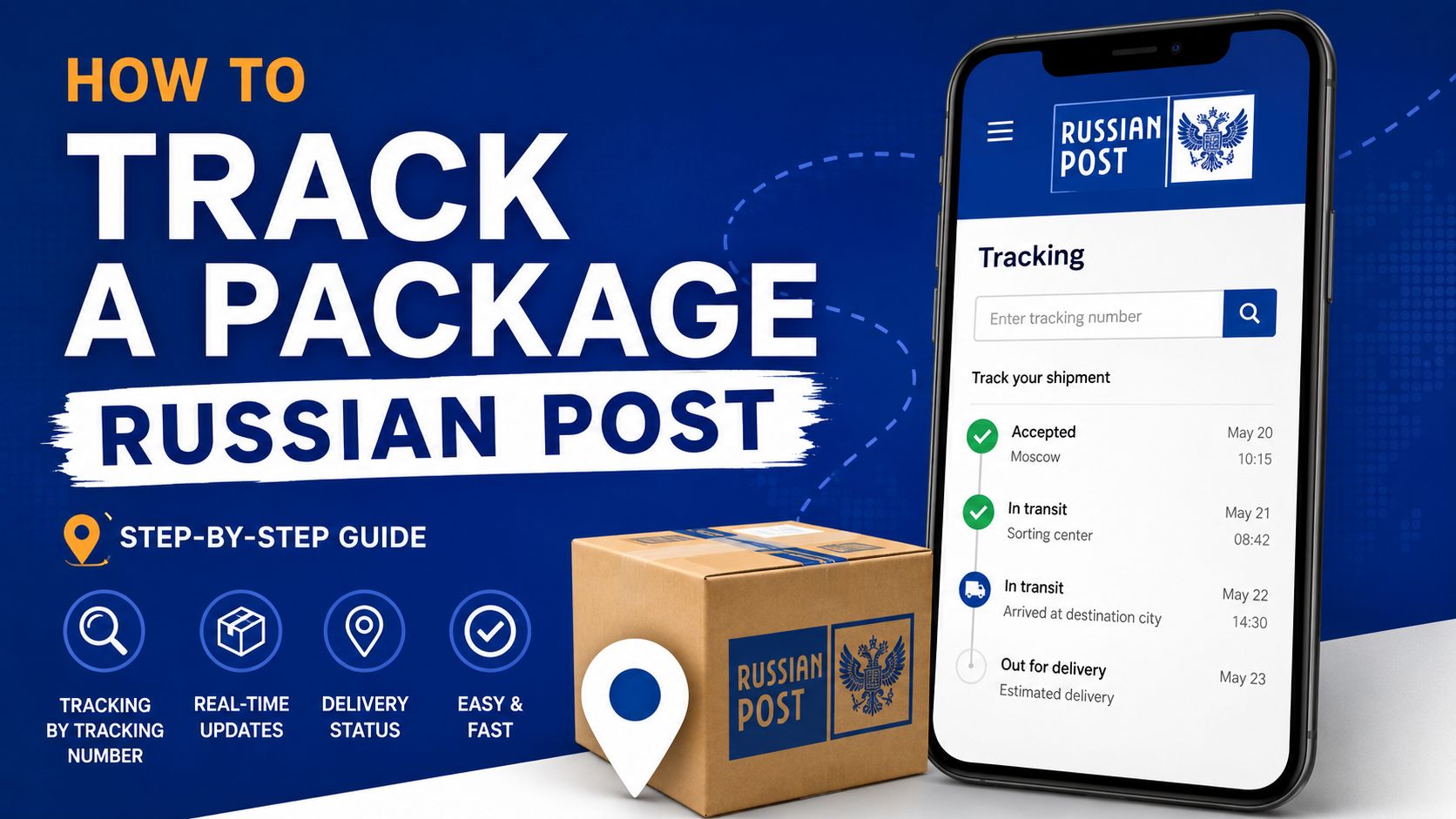
To track a package from Russian Post, a tracking number is required. This is the dispatch code that the system uses to show the movement of the package from acceptance to delivery. Without it, you can only find out something through the sender, receipt, personal account, or post office.
The tracking number is usually found:
-
on the cash receipt after sending;
-
in an SMS or email from the online store;
-
in the personal account of the marketplace;
-
on the order card;
-
on the receipt if the package was sent through the post office;
-
in the Russian Post app if the dispatch is linked to the account.
For domestic shipments, the tracking number often consists of 14 digits. For international shipments, the format is different: two letters at the beginning, digits in the middle, and two letters of the country at the end. For example, the code may look like RA123456789CN or CP123456789RU.
Copy the number in full. One missed character — and the service will show an empty result. A common story: a person takes the order number instead of the postal tracking number. For Russian Post, the dispatch identifier is needed, not the internal store number.
How to check a shipment on the Russian Post website
The simplest way is to open the tracking service on the Russian Post website and paste the tracking number into the search bar. The system will show the shipment card: current status, date of the last update, city, post office, or sorting center.
The steps are simple:
-
Open the shipment tracking page.
-
Paste the tracking number without extra spaces.
-
Click the search button.
-
Check the last status.
-
Look at the movement history below in the card.
If the shipment has already arrived, the card usually shows the post office where it was delivered. It may also display the storage period, index, address, and pickup hint.
The query “track a package Russian Post” is often entered when the order takes a long time to arrive. Here, it is important not to look only at the last line. Open the entire chain. It shows where the package is actually stuck: at acceptance, sorting, customs, en route between cities, or already at the post office.
How to track a package through the app
The mobile app is convenient because you don’t have to enter the tracking number manually every time. Add the shipment once — then you wait for push notifications. For regular orders, this saves a lot of time.
In the app, you can:
-
manually add a tracking number;
-
receive notifications about new statuses;
-
view the address of the post office;
-
check the storage period;
-
see multiple shipments in one list;
-
track letters, parcels, packages, and EMS.
If the phone number in the order matches the number in the account, some shipments are pulled automatically. Not always, but often. This is especially convenient for orders from online stores and marketplaces.
There is a nuance. The push notification may arrive later than the status updated in the card. Therefore, in a disputed situation, it is better to open the shipment itself and update the data manually.
What the main delivery statuses mean
The statuses of Russian Post sometimes sound dry. In reality, they represent the usual stages of logistics: accepted, sorted, added to a batch, sent further, accepted in the recipient's city, handed over to the post office.
| Status | What it means | What to do |
|---|---|---|
| Accepted at the post office | The sender handed over the package to the post office | Wait for the first movement |
| Left the acceptance point | The package was picked up from the post office | Check sorting |
| Arrived at the sorting center | The shipment has entered sorting | Wait for batch processing |
| Left the sorting center | The package was sent further along the route | Do nothing |
| Arrived at the delivery point | The package is already at your post office | You can pick it up |
| Unsuccessful delivery attempt | The courier or postman could not deliver the shipment | Check the address and contact the post office |
| Transferred for temporary storage | The package is at the post office | Do not delay with pickup |
If the status “left the sorting center” hangs for several days, it is not always a problem. Between major hubs, the tracking may be silent while the bag with shipments is physically traveling, flying, or waiting to be unloaded. The system will update after the next scan.
Why the tracking number is not found
Sometimes a person enters the code immediately after paying for the order and sees an empty page. This does not mean that the package is lost. The tracking appears in the system not instantly.
The main reasons:
-
the sender created the tracking but has not yet handed over the package;
-
the data has not yet made it into the database;
-
the store provided an internal order number instead of the postal one;
-
there is an extra space or error in the code;
-
the international shipment has not yet been handed over to Russian Post;
-
the package is being transported by a partner service to the border.
For new shipments, it is normal to wait a few hours. Sometimes the first status appears the next day, especially if the shipment was processed in the evening or the batch was sent for processing after the post office closed.
With international orders, the delay can be longer. While the package is traveling within the sender's country, the Russian service may show minimal data or an empty result. After import and customs, the movement will become clearer.
The package is stuck: when it is normal and when it is time to investigate
“Stuck” is an unofficial but understandable status. In the card, nothing changes for several days, the recipient is nervous, and the sender is at a loss. Here, it is necessary to look not at emotions but at the stage.
If the shipment is stuck in sorting for 1–3 days, it is too early to panic. At major hubs, the flow is huge, and some batches are not processed immediately. During holidays, sales, and before weekends, the timelines can easily stretch.
A reason to check the situation more closely arises when:
-
the status does not change for too long for your route;
-
the shipment arrived in the city but did not reach the post office;
-
the package went to the wrong region;
-
there is a status of unsuccessful delivery, although you were at home;
-
the storage period is running, but there is no notification;
-
the shipment is marked as delivered, but you did not receive it.
First, check the address, index, and full name in the order. Then call or visit the post office indicated in the card. Sometimes the package is already on the shelf, but the notification has not yet been delivered. This happens. Bring your passport and tracking number.
How to pick up a package after tracking
When the tracking shows the status of arrival at the delivery point, you can go to the post office. It is not necessary to wait for a paper notification if you have the tracking number and document.
Usually, you need:
-
passport or another document;
-
tracking number;
-
code from the SMS if simplified pickup is enabled;
-
power of attorney if someone else is picking it up.
Before your visit, check the post office's schedule. Small post offices may have short working hours, lunch breaks, and weekends. Not all are open until the evening.
If the package is heavy, check the type of shipment and weight in advance. For a large box, it is better to take a bag, cart, or come by car. Postal workers will hand over the shipment but are not obliged to carry it to your home.
How to track an order from a marketplace or from China
Orders from stores may have two numbers: an internal order number and a postal tracking number. The first is needed by the store, the second — for logistics. For checking with Russian Post, the postal identifier is the one to use.
The scheme is usually as follows:
-
The store processes the shipment.
-
The seller hands over the package to the carrier.
-
The shipment travels within the sender's country.
-
The package goes through export.
-
Then comes import, customs, and transfer to Russian Post.
-
After that, Russian statuses appear.
If the product is coming from China, part of the journey may be displayed on the foreign carrier's side. Then the tracking is picked up by Russian Post. Sometimes it is the other way around: the number is already available, but detailed movement in Russia is not yet there.
For AliExpress, Joom, Avito, and other platforms, it is better to verify the data in two places: on the order card and on the Russian Post tracking page. If the store says one thing and the postal tracking says another, trust the last scan in logistics.
Common mistakes when tracking
Most problems arise not from the delivery itself but from confusion with numbers and statuses.
Check these points:
-
did you accidentally insert a space at the beginning or end of the tracking number;
-
did you confuse the letter O with the digit 0;
-
did you take the order number instead of the tracking number;
-
are you checking the shipment too early;
-
did the package arrive at a different post office by index;
-
has the storage period expired;
-
was the order placed for another recipient.
Another common mistake is waiting for a call from the post office. The post office does not always call. It is more reliable to check the shipment status yourself and not miss the storage period.
What to do if the package is not found or the data is not updating
If the tracking does not update for a long time, follow the steps. First, save the shipment number and a screenshot of the movement history. Then check the data with the sender. If they made a mistake in the address or index, the route may go awry.
Next, you can contact:
-
the post office where the package should be picked up;
-
the support of Russian Post;
-
the sender if the shipment has not entered the system;
-
the seller or marketplace if the order is international;
-
with a request for a search if the deadlines have clearly passed.
For a search request, you usually need the tracking number, sender and recipient data, receipt or confirmation of shipment. If you are the recipient, some documents may only be with the sender. Therefore, do not remain silent about a lost package: write to the seller and ask them to get involved.
Quick reference for fast checking
To quickly track a package from Russian Post, you don’t need to understand all the logistics. Keep a simple order:
-
Find the tracking number.
-
Paste it into the tracking service.
-
Open the entire movement history.
-
Compare the last status with the date of the update.
-
If the package is at the post office — take your passport and pick it up.
-
If the tracking is stuck — check the stage and waiting period.
-
In case of a clear problem, contact support or file a search request.
Tracking does not speed up delivery, but it removes the blind spot. You see where the shipment is located, understand when to go to the post office, and notice an error in the route faster. For an ordinary recipient, this is already enough to not get anxious about every silent status and not miss their package.